Custom Mapping
Mapping a Salla SKU to one or more Odoo barcodes or internal references, for cases the automatic rules cannot handle.
Advanced plan only
This screen appears on the advanced plan only. If it is not in your sidebar, your current subscription does not include it.
Open Custom Mapping
The link opens the screen directly in the Integration Dashboard.
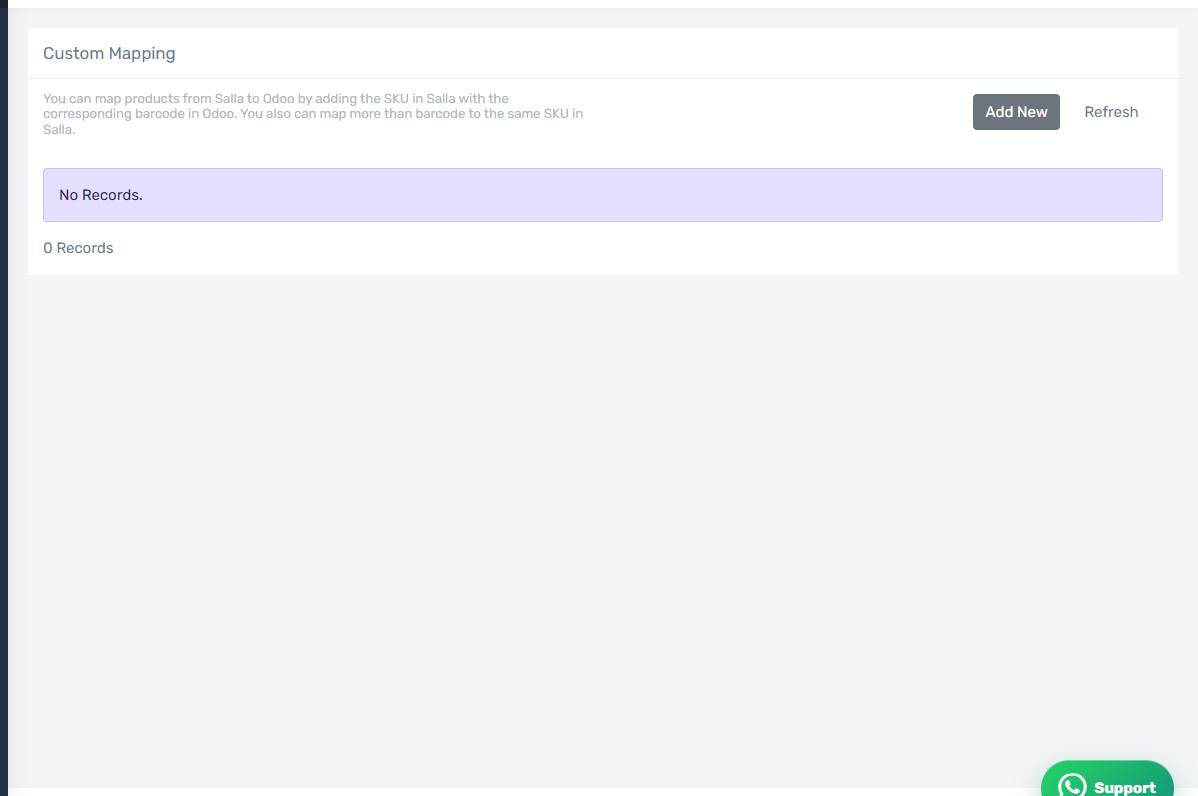
The Custom Mapping screen
How the screen appears in the Integration Dashboard.
When you need it
When there is no clean one-to-one match between Salla and Odoo. Examples:
- One Salla code corresponds to several Odoo barcodes (different packs of the same item).
- Your Salla codes follow a completely different scheme from your Odoo codes and cannot be unified.
- You want to force a specific link that overrides every automatic rule.
Adding a mapping
Press Add Mapping, enter the SKU exactly as it is in Salla, and add the matching Odoo barcode or internal reference. You can add more than one barcode and reference for the same code.
Custom mapping wins over everything
What you enter here is read before any automatic rule. A wrong entry here is used every time, and auto-mapping will not correct it.