COD and shipping services
The Odoo service items that carry shipping and cash-on-delivery fees, and setting them per shipping company.
Why you need a service item
Shipping and cash-on-delivery fees are amounts on a Salla order, not products. To appear on an Odoo invoice they need an item to carry them, so you create two service-type items in Odoo: one for shipping and one for COD.
Choose the two items
On this tab, pick the COD Service and the Shipping Service from the Odoo item list. If the list is empty, create the two items in Odoo first, then press Refresh.
Four tax switches
Each service has two switches:
- Add tax to the service — VAT is calculated on the fee.
- Add Tax (Sales 0%) — the fee is linked to a zero-rated tax instead of the default.
Set them to match how Salla calculates the fees for your store, or a total mismatch appears.
Per shipping company
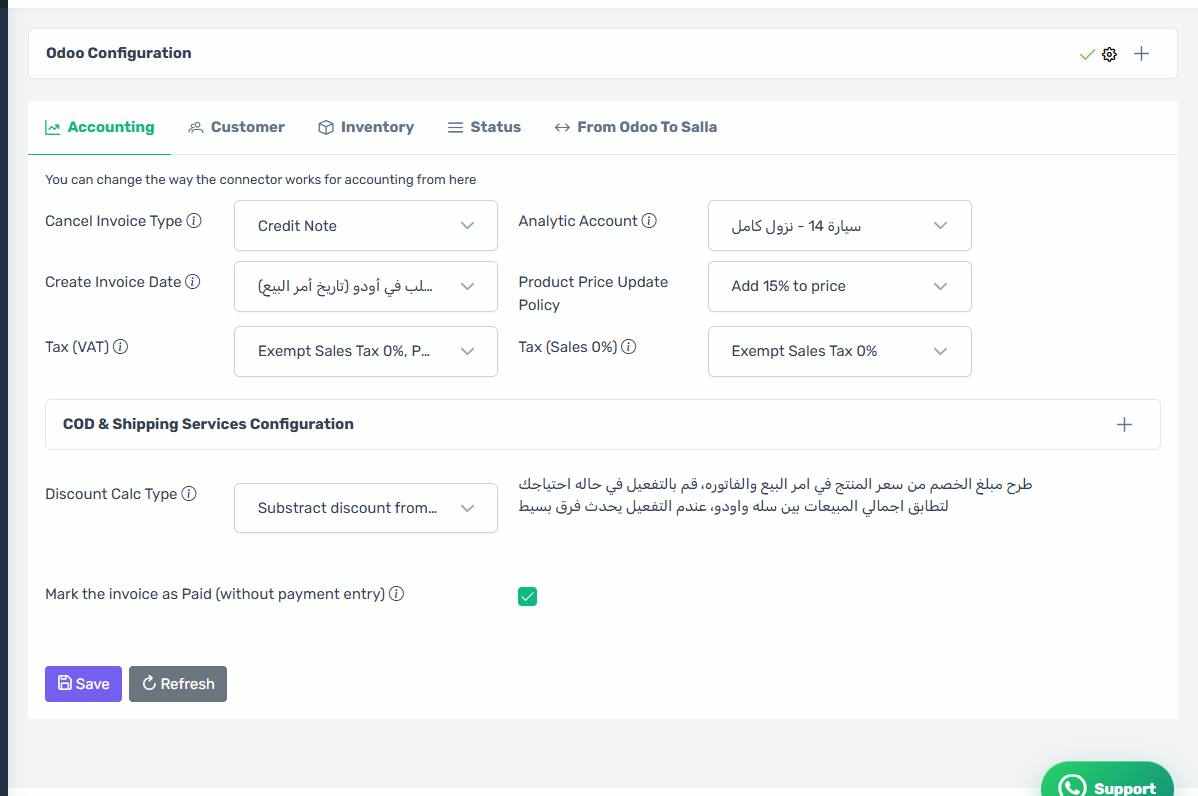
If you work with several shipping companies that need different accounting treatment, open the COD & Shipping Services Configuration panel. It holds a table with one row per shipping company where you set the COD service, shipping service and tax switches for each independently.
The shipping companies table
How the screen appears in the Integration Dashboard.
The table is optional
Leave the table rows empty and the connector uses the default service you chose above for every company.
The shipping companies come from Salla
The rows are read from your Salla store. If you add a new shipping company in Salla, press Refresh here for it to appear.