Discounts
Two ways to carry a discount into Odoo, and which one makes the totals match.
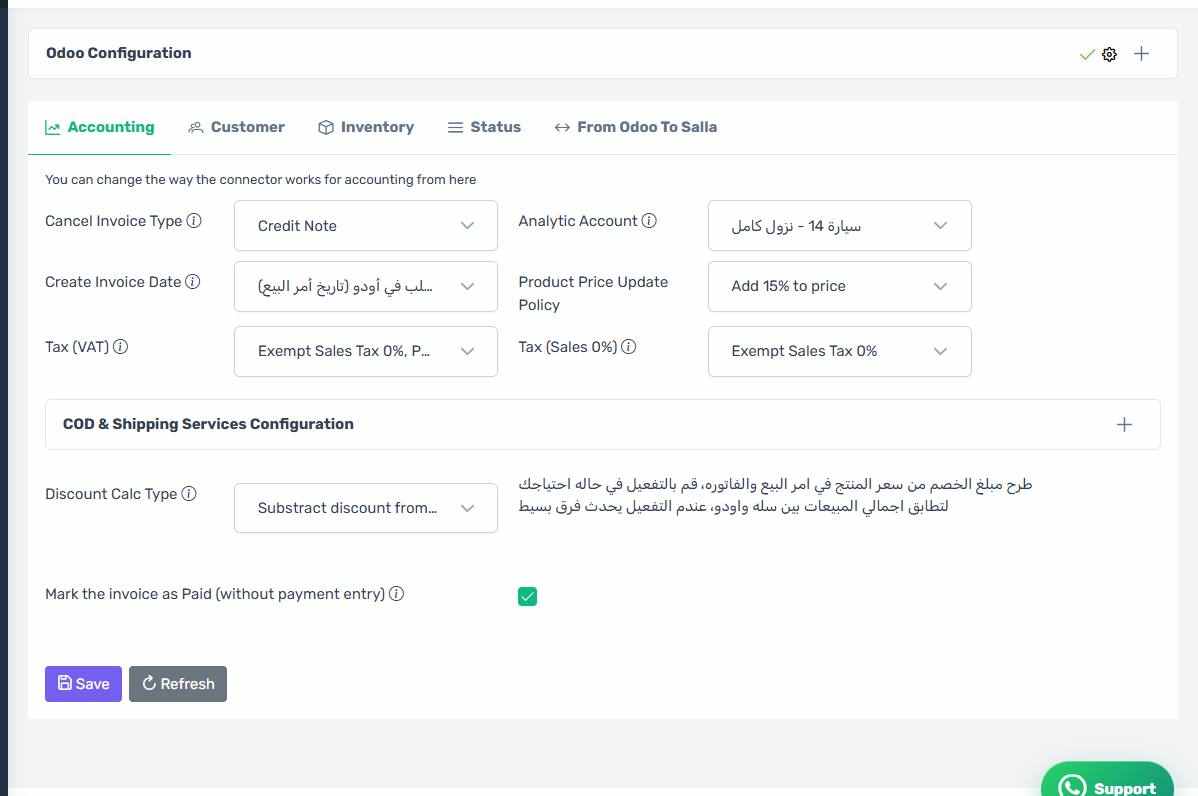
Discount Calc Type
You have two options:
- Subtract from the price — the discount amount is taken off the item price in the sales order and the invoice.
- Discount as an item — the discount is added as its own line, the way a point of sale does it.
Discount Product
If you chose to add the discount as an item, pick the Odoo item that carries it here. Create it in Odoo as a service item with a clear name such as "Discount".
If you want the totals to match
Turn on subtract the discount from the product price. Without it a small difference can appear between the Salla and Odoo sales totals, because of how tax rounding works at line level.
Order-level discounts
A discount Salla applies to the whole order (a coupon, say) is either spread across the lines or added as its own line, depending on the choice above.
The discount settings
How the screen appears in the Integration Dashboard.