Sales order field mapping
Sending an extra field from the Salla order into a named field on the Odoo sales order.
When you need it
If you need a piece of information from the Salla order that the connector does not carry by default — a reference number, a note, or a custom field you added in Odoo — this is where you name the source field in Salla and the target field in Odoo.
Open Sales Order Keys
The link opens the screen directly in the Integration Dashboard.
No sidebar entry
This screen has no sidebar entry; it opens from the link above only.
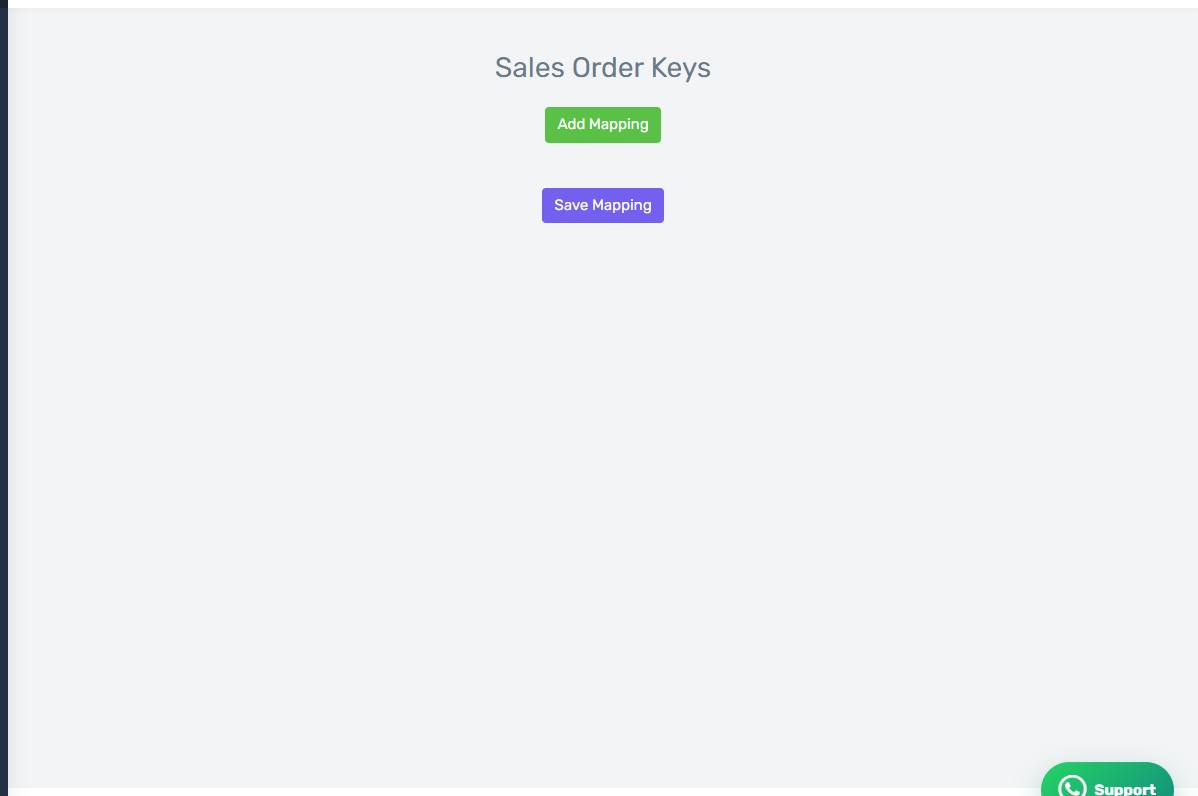
The Sales Order Keys screen
How the screen appears in the Integration Dashboard.
The target field must already exist
The connector writes into a field that exists in Odoo; it does not create it. Create the custom field in Odoo first, then enter its technical name here exactly.