The Products Quantities Online screen
Managing quantities on Odoo Online hosting, where a scheduled action inside Odoo prepares them.
Odoo Online hosting only
This screen is for Odoo Online hosting only. On Odoo.sh you get "Products Quantities" instead.
Open Products Quantities (Online)
The link opens the screen directly in the Integration Dashboard.
The Products Quantities (Online) screen
How the screen appears in the Integration Dashboard.
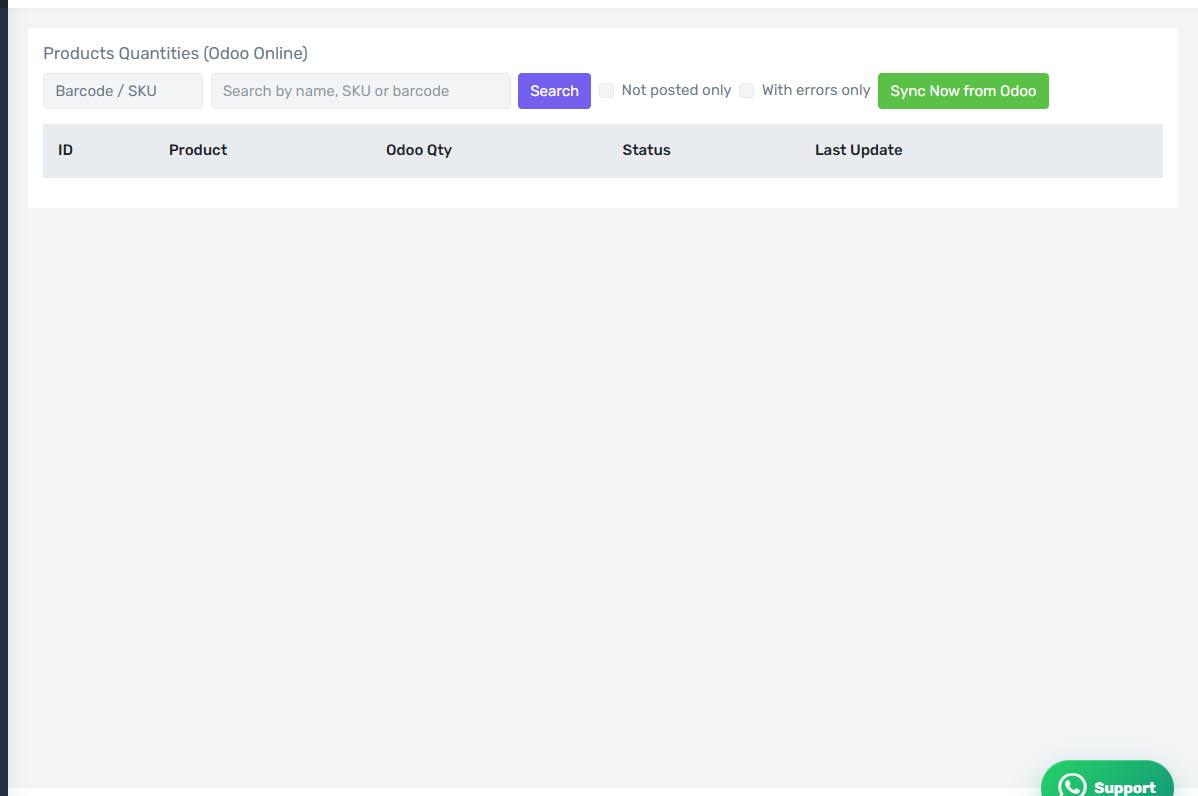
The columns
- ID, Product and SKU
- Odoo Qty — what the scheduled action inside Odoo prepared.
- Salla Qty — what is actually in your store.
- Status — Pending or Synced.
- Error — the reason for a failure, if any.
- Last Update.
A gap between the two quantity columns is the quickest sign that something is wrong.
Sync Now from Odoo
Rather than waiting for the scheduled action, this button asks Odoo to prepare the quantities immediately and then pushes them to Salla. Use it after a stock count or a large adjustment.
Push to Salla
On a single row, re-sends that one item's quantity. Useful after fixing one item's mapping.
The filters
Not posted only and With errors only cut the list down to what needs work.
Expect up to twenty minutes of delay
This is not an instant sync. Change a quantity in Odoo now and it may take twenty minutes to appear in Salla. Press Sync Now from Odoo if you are in a hurry.
The screen is completely empty
An empty screen means the setup inside Odoo has not run. Confirm you pressed Add Fields, Views and Cron in the settings, and that you enabled quantity updating on the company record inside Odoo.