Document search
Searching by a Salla ID for everything the connector recorded about it.
Open Document search
The link opens the screen directly in the Integration Dashboard.
No sidebar entry
This screen has no sidebar entry; it opens from the link above only.
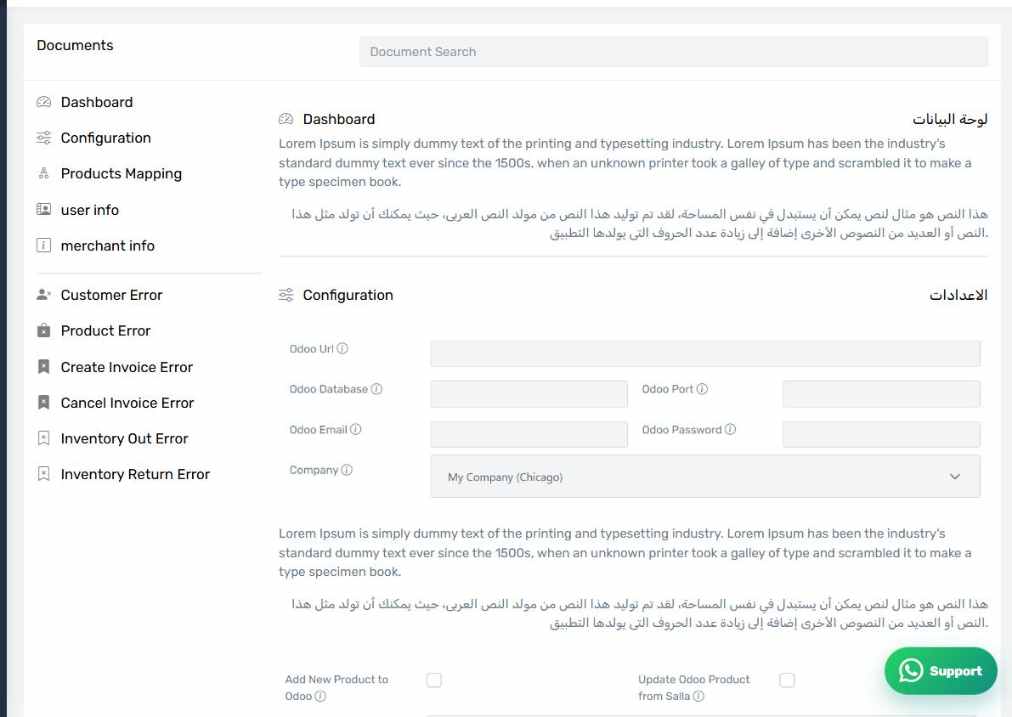
The Document search screen
How the screen appears in the Integration Dashboard.
How to use it
Enter a Salla ID — an order or product number — and search. The screen shows every record in the connector database that mentions it.
When it helps
When you want the complete picture of one object instead of hopping between screens, or when support asks for the raw data on a specific order.