Excel Compare Report
Uploading your Salla orders export and comparing it with the connector database to find missing orders.
Advanced plan only
This screen appears on the advanced plan only. If it is not in your sidebar, your current subscription does not include it.
Open Excel Compare Report
The link opens the screen directly in the Integration Dashboard.
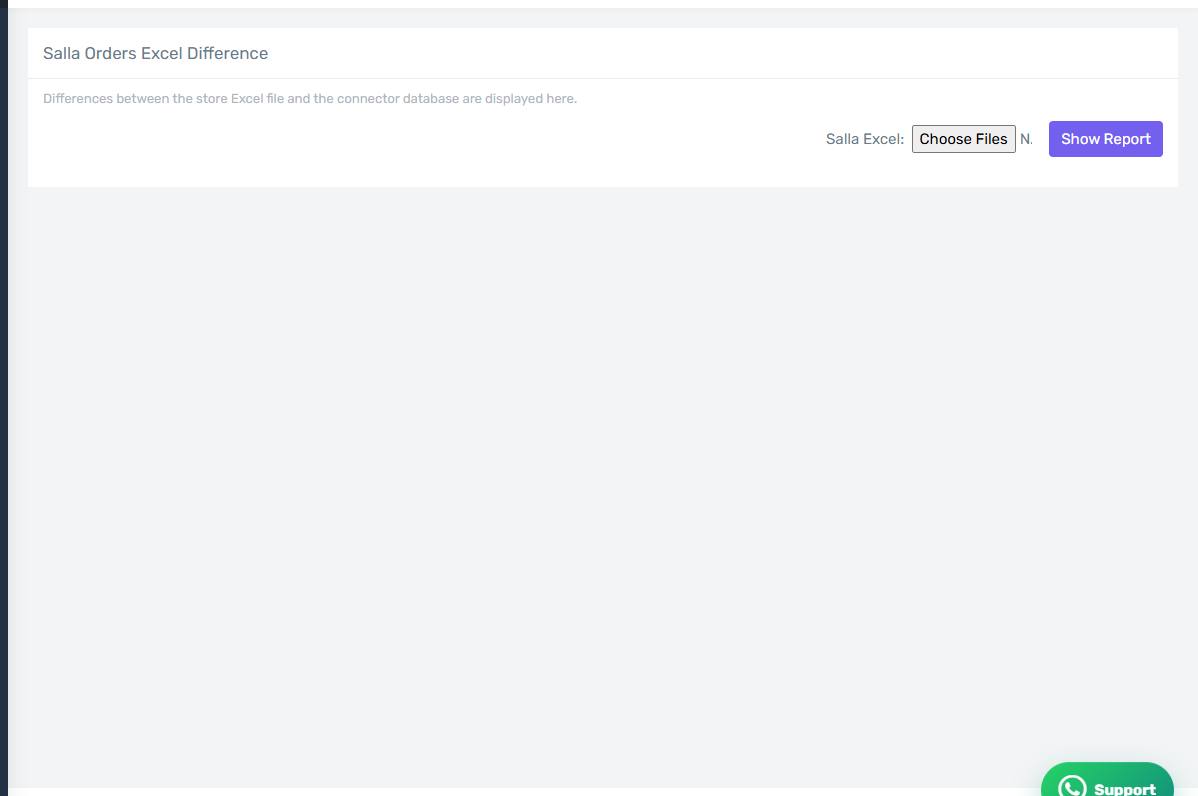
The Excel Compare Report screen
How the screen appears in the Integration Dashboard.
How it works
- Export your orders from the Salla dashboard to an Excel file.
- Upload the file here.
- The connector compares it with what it holds and lists the differences.
Four kinds of difference
- Orders in Salla but not in Odoo — they never reached the connector, or failed early.
- Orders in Odoo but not in Salla — rare, and usually a duplicate or a manual entry.
- Different date.
- Different value — usually a tax or discount matter; check the Accounting tab.
How it differs from the Invoice Match Report
The match report compares invoices; this one compares orders, starting from a file you export from Salla yourself. Use this one when you suspect orders never reached the connector at all.
Fix missing orders by pulling them
Orders that appear in Salla but not in the connector are fixed by pulling them from the Orders screen over the right date range.