Invoice Match Report
Comparing invoices between Salla and Odoo over a period, to find what was never invoiced.
Advanced plan only
This screen appears on the advanced plan only. If it is not in your sidebar, your current subscription does not include it.
Open Invoice Match Report
The link opens the screen directly in the Integration Dashboard.
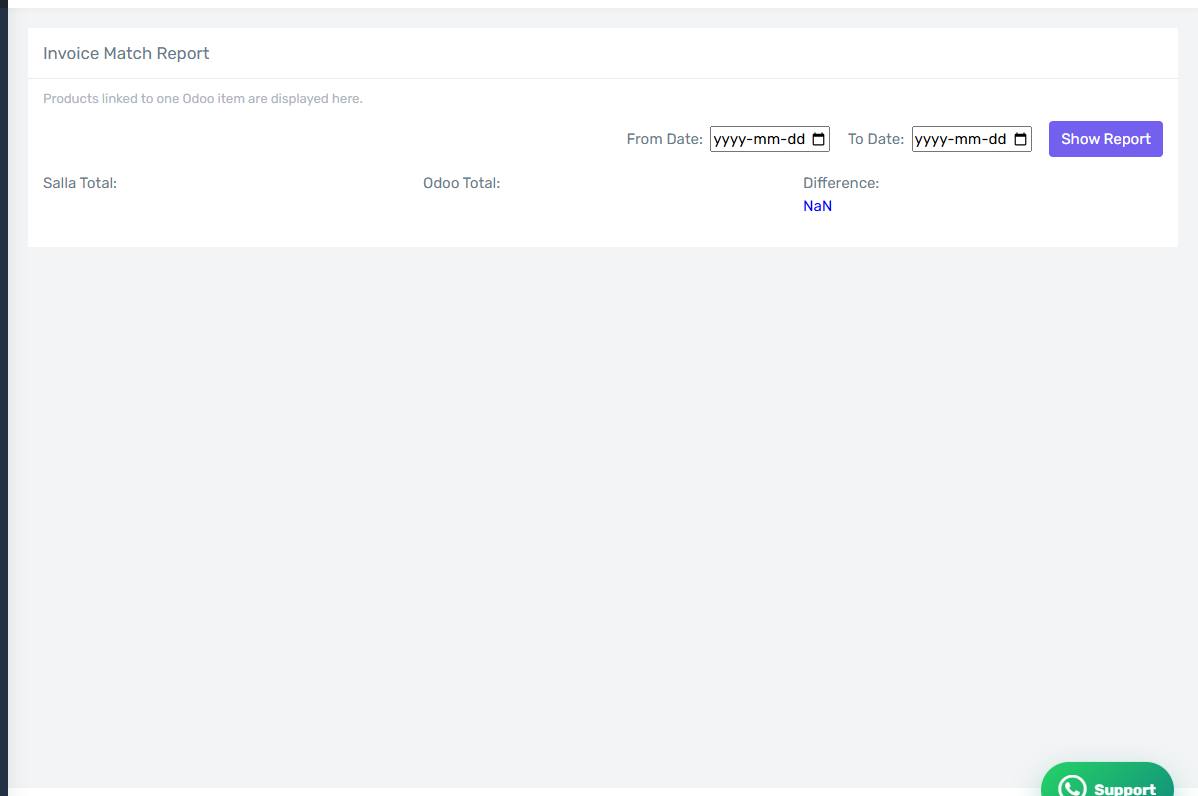
The Invoice Match Report screen
How the screen appears in the Integration Dashboard.
What it compares
The report compares Salla orders against Odoo invoices across the range you choose, and lists what does not line up: an order with no invoice, or an invoice with a different amount.
When to run it
Run it at the end of every month before closing the books. The error screens show what failed loudly; this report shows what went missing quietly — an order that never arrived, or an invoice cancelled by hand in Odoo without the connector knowing.
What to do with the differences
For each row: open the order on the Orders screen and look at its badges. No invoice badge means you should check the error screens. An invoice badge with no invoice in Odoo means it was deleted there by hand — use Reset then Retry.