User info and merchant info
Two read-only screens showing what Salla reports about your account and your store.
Open User info
The link opens the screen directly in the Integration Dashboard.
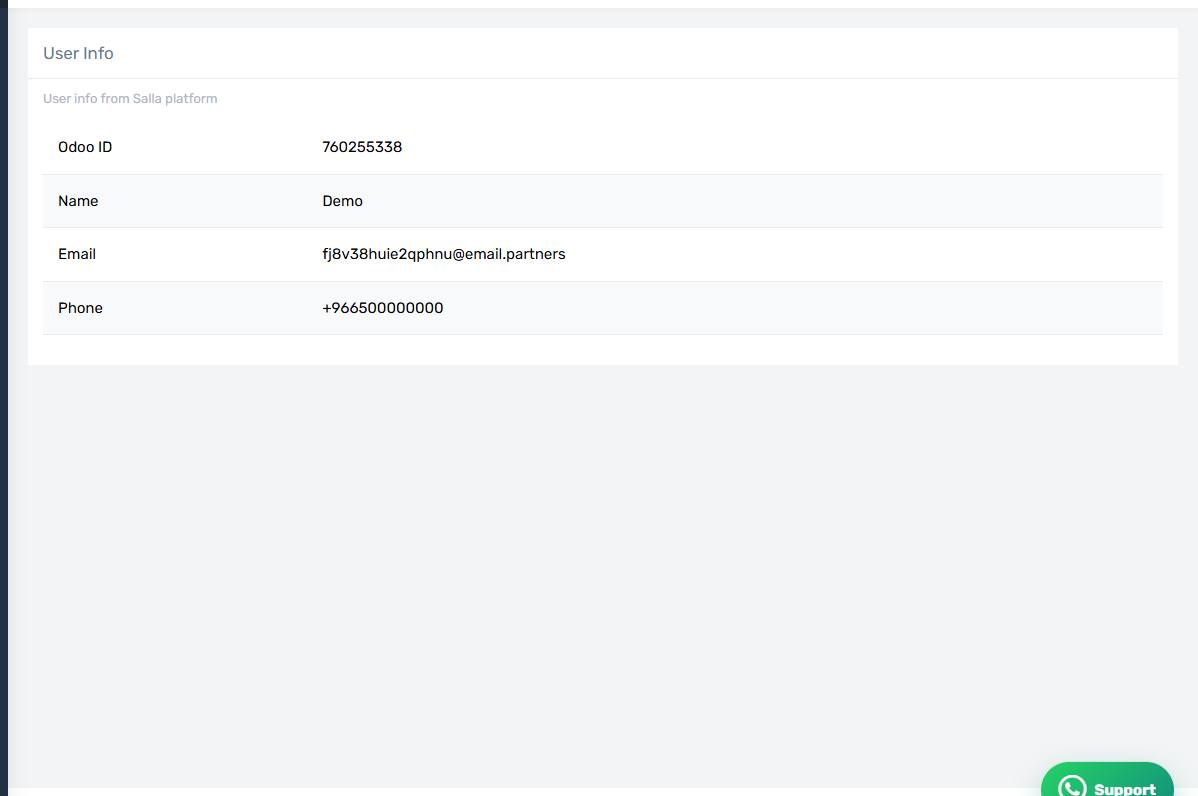
The User info screen
How the screen appears in the Integration Dashboard.
Open Merchant info
The link opens the screen directly in the Integration Dashboard.
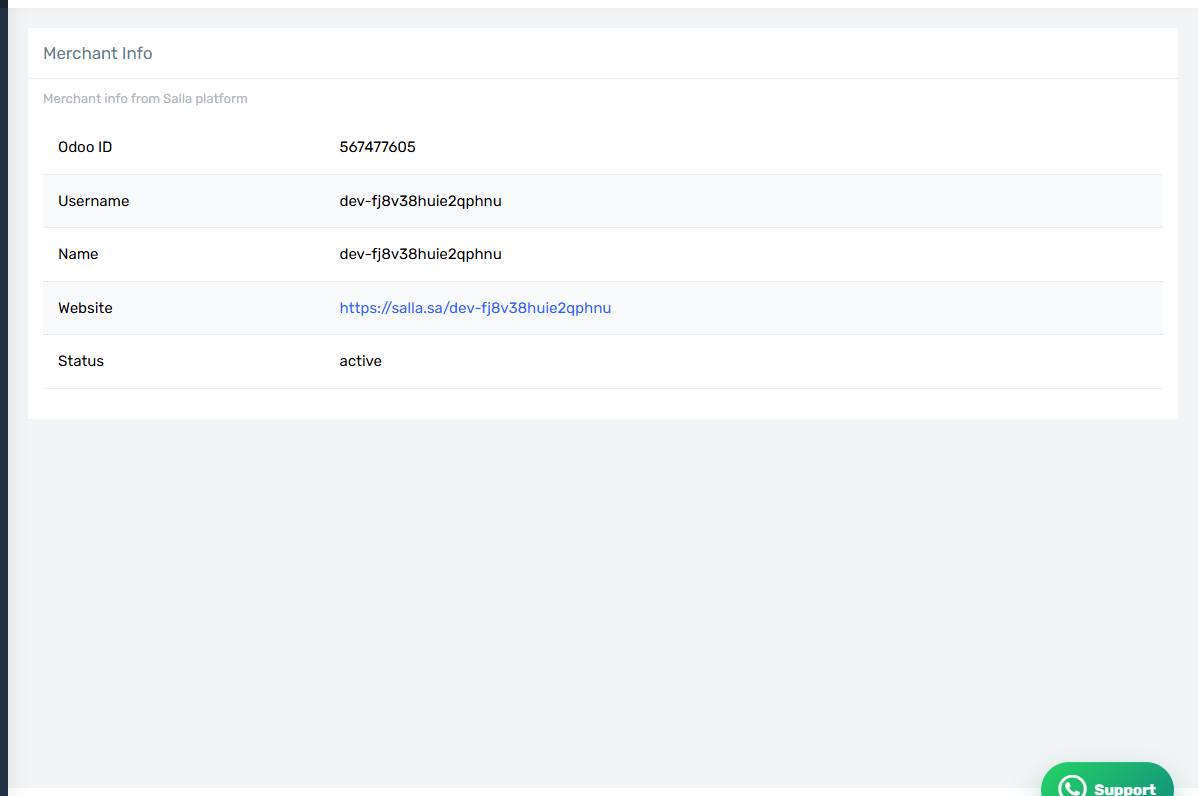
The Merchant info screen
How the screen appears in the Integration Dashboard.
What they show
User info — your account as Salla sees it: name, email, username.
Merchant info — your store: name, website, merchant id.
Why you might need them
To confirm the connector is attached to the right store, and to get the merchant id you need to enter on the company record inside Odoo when setting up quantity sync.
They are also the first thing support asks for when you open a ticket.
Both read live from Salla
If a screen fails to load, the Salla access token is probably invalid. See "Reauthorizing the app".