Quantity sync on Odoo Online
What the connector builds inside your Odoo Online database on your behalf, and how to verify it.
1Odoo Online hosting only
This screen is for Odoo Online hosting only. On Odoo.sh you get "Products Quantities" instead.
2Why this step exists
On Odoo Online you cannot install the Tecfy addon. So the connector builds what it needs inside your database itself, using only the standard Odoo interface — no custom code and no installed module.
3Press one button
On the Configuration screen, after choosing Odoo Online as the hosting type, press Add Fields, Views and Cron.
4What gets created inside Odoo
After it runs you will find, inside Odoo:
- A new model holding a snapshot of item quantities.
- A list and form view for that model.
- A menu called Tecfy Salla containing "Products Quantities".
- Extra fields on the company record: your Salla merchant id, an update-quantities switch, and which locations the quantity is counted from.
- Two scheduled actions running every twenty minutes: one prepares the quantities, the other notifies the connector.
- An automation rule that calls the connector when the quantities are ready.
5Set the company fields in Odoo
Open the company record in Odoo and you will find a Salla page. Turn on quantity updating and choose the locations the quantity should be counted from. Choosing more than one adds their quantities together.
6Verify the setup
The Check Only (Without Adding) button reads what actually exists inside Odoo and reports it, changing nothing. Use it to confirm every piece was created.
7Safe to repeat
Running the setup more than once does not create duplicates: the connector looks for each element first and creates it only if it is missing.
8Syncing is not instant
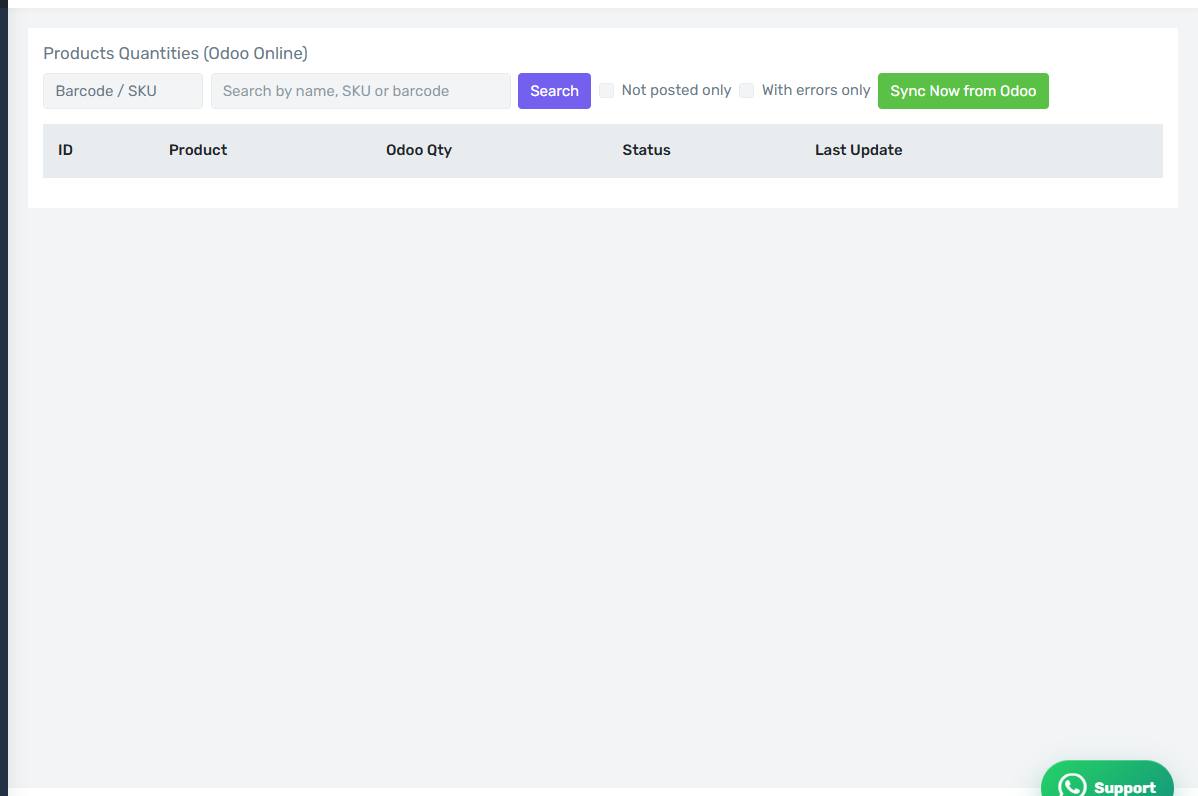
Unlike Odoo.sh hosting, a quantity does not reach Salla the moment it changes in Odoo. The scheduled action runs every twenty minutes, so expect a delay of about that. You can always press Sync Now from Odoo on the quantities screen to force it.
9The Products Quantities (Online) screen
How the screen appears in the Integration Dashboard.