The Tecfy addon inside Odoo
Installing the Tecfy addon on Odoo.sh hosting, adding the fields and view, and reading the check report.
1Odoo.sh hosting only
This screen is for Odoo.sh hosting only. On Odoo Online you get "Products Quantities (Online)" instead.
On Odoo Online, go to "Quantity sync on Odoo Online" instead.
2What the addon unlocks
Installing the Tecfy addon inside Odoo enables features that do not work without it:
- Separate cash-on-delivery statuses.
- Delivery orders and stock pickings tied to the order.
- Pushing the order status back from Odoo to Salla.
- Updating order lines in Salla when they change in Odoo.
- Fetching shipment details and the shipping label.
Without the addon these settings still appear but do nothing.
3Install the addon in Odoo
Install the Tecfy module from the Odoo Apps store onto your database. The links are on this manual's home page.
4Turn the switch on in the dashboard
On the Configuration screen, turn on Is Tecfy App Installed?. That switch is what tells the connector to use the extra features.
5Add the fields and view
Press Add Fields and View. The connector creates the fields it needs inside Odoo and adds a view for them. The operation is safe to repeat: running it again duplicates nothing.
6Or check only
The Check Only (Without Adding) button reads the state of Odoo and shows a report of the fields and view that exist, changing nothing. Use it to verify before changing, or when diagnosing a problem.
7The Tecfy addon options in the Configuration panel
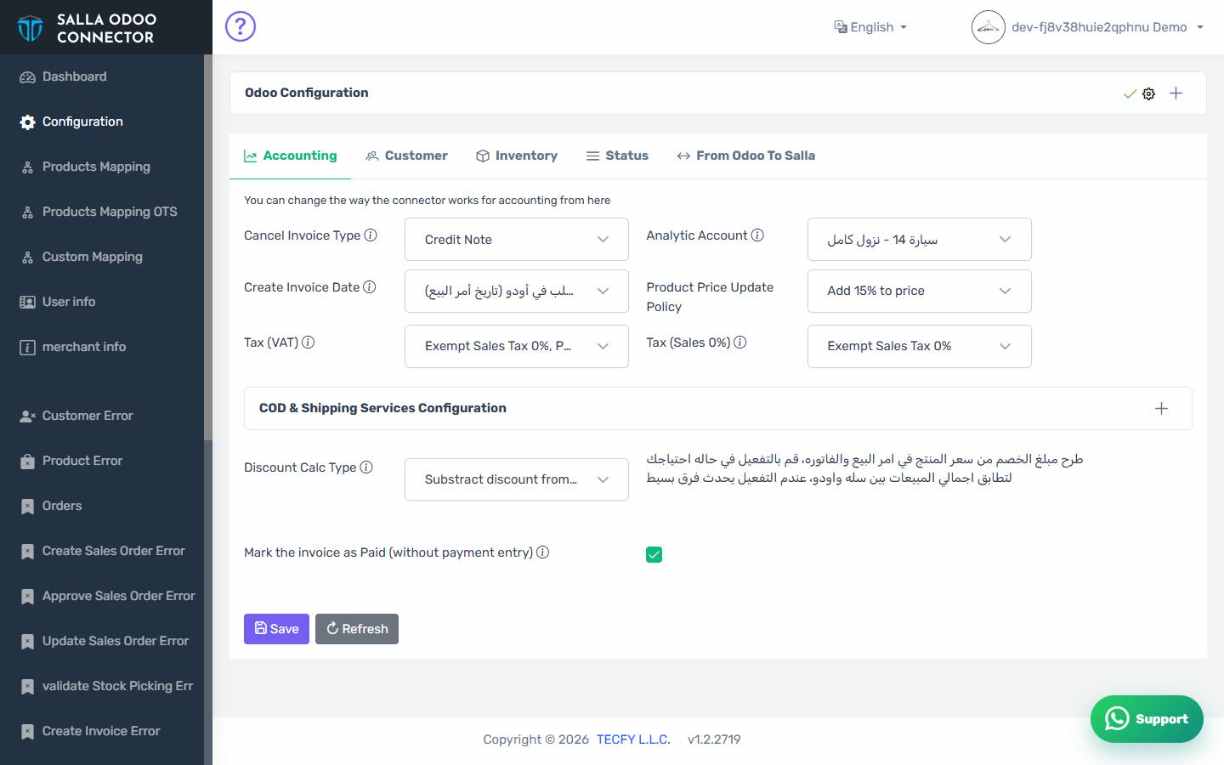
How the screen appears in the Integration Dashboard.
8Switch on but addon missing
If you turn the switch on without installing the module in Odoo, adding the fields fails with an error about a missing model. Install the module first, then try again.