Signing in
Two ways into the dashboard: your password, or a one-time code sent to your email.
Open the sign-in screen
The link opens the screen directly in the Integration Dashboard.
The sign-in screen
Note the two buttons at the top of the form: "Password" and "OTP".
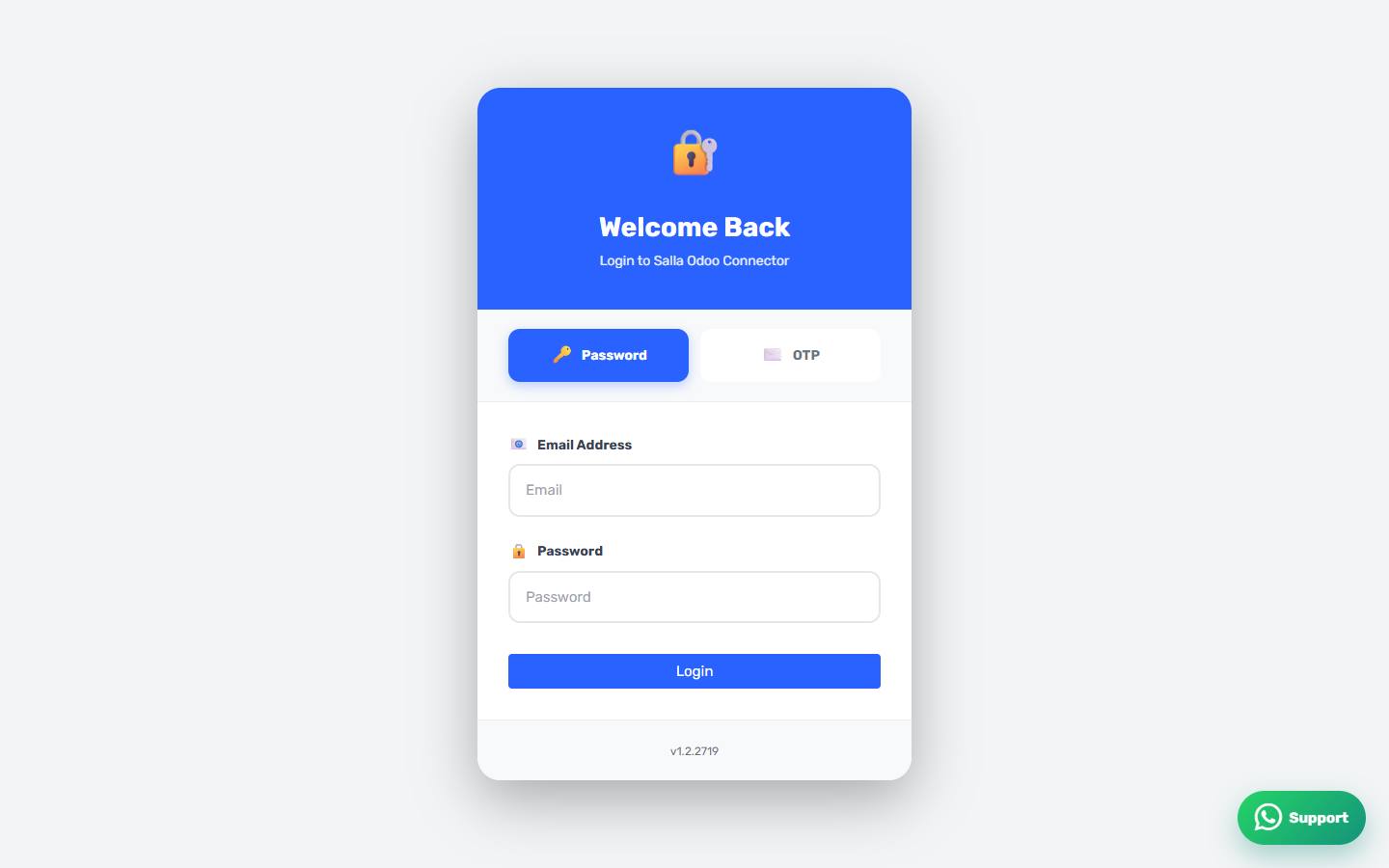
Signing in with a password
Pick Password, enter the email address and the password you chose during installation, then press Sign In.
Signing in with a one-time code
Pick OTP, enter your email address only, then press Sign In. A six-digit code arrives by email; type it into the boxes that appear. This is the way in if you have forgotten your password.
The code did not arrive
Wait a minute, then press Resend. Check your spam folder too, and make sure the address you typed is the one registered with the app in Salla.
Unrecognised email
If the system says the email is not recognised, the app is either not installed on your store or has been removed. See "Installing the app on your Salla store".