If you do not have Odoo yet
You can install the connector before you have Odoo, and book a session with the Tecfy team to help you start.
1The connector needs an Odoo
The connector needs an Odoo database to write into. If you do not have one yet you cannot finish the setup, but you can install the app now and arrange Odoo afterwards.
2Open the Odoo onboarding wizard
The link opens the screen directly in the Integration Dashboard.
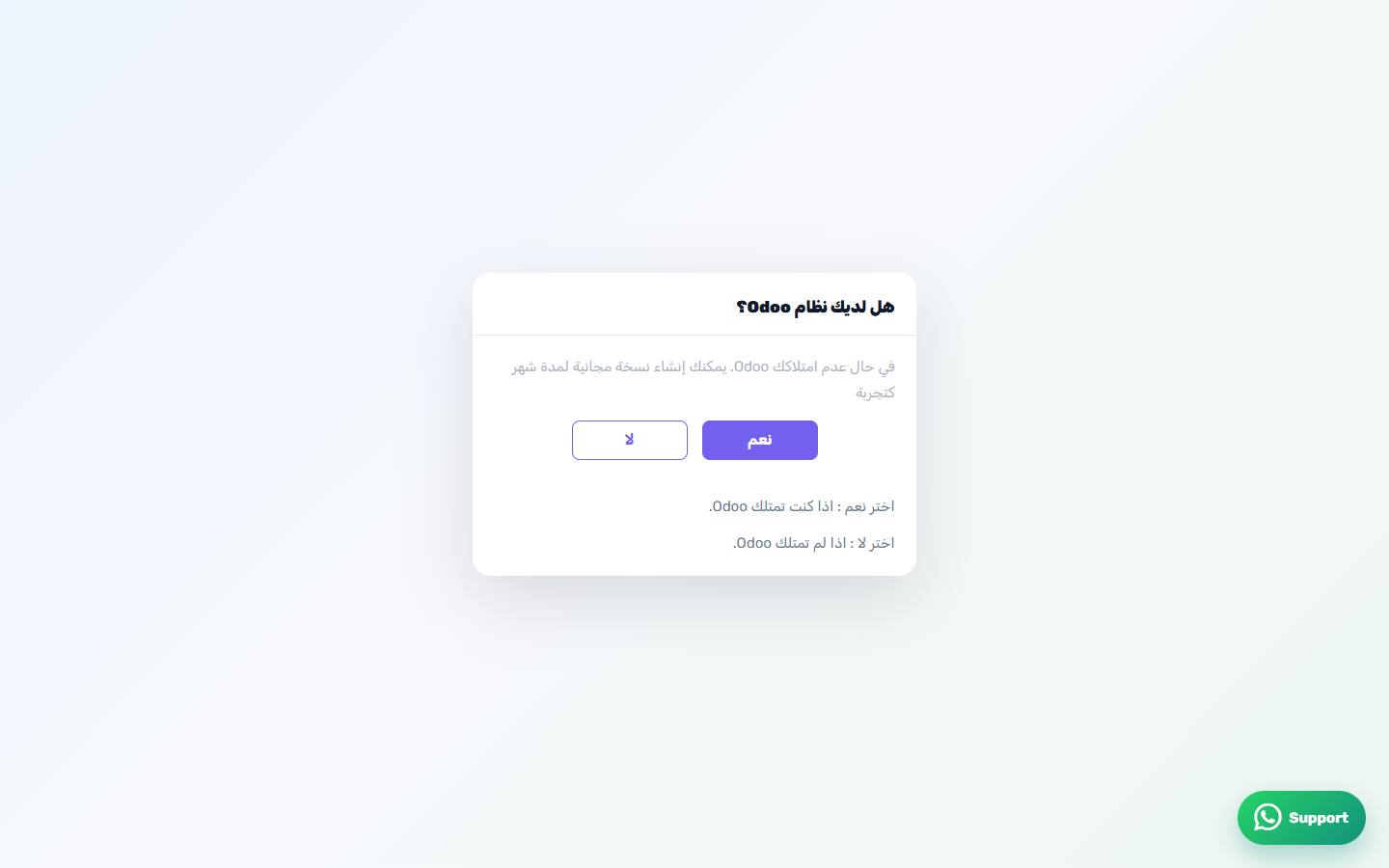
3Do you have Odoo?
The screen opens with a single question: Yes if you have Odoo, No if you do not. Choose "No" to continue with the Tecfy team.
4Your company details
Three fields are requested: company name, industry, and number of employees. They are used to prepare the meeting only.
5Booking the session
Pick a date and time. Available slots are Sunday to Thursday, between 09:00 and 17:00, and the meeting lasts twenty minutes.
6The booking screen
How the screen appears in the Integration Dashboard.
7Or a trial database
You can also create a free Odoo trial directly on the Odoo website, then come back and enter its details in the connection screen.
8Create an Odoo trial
The trial sign-up page on the Odoo website.