Changing your password
Changing your dashboard password from the account menu.
From the account menu
Click your name and avatar in the top corner of the screen, then choose Change Password.
Open Change Password
The link opens the screen directly in the Integration Dashboard.
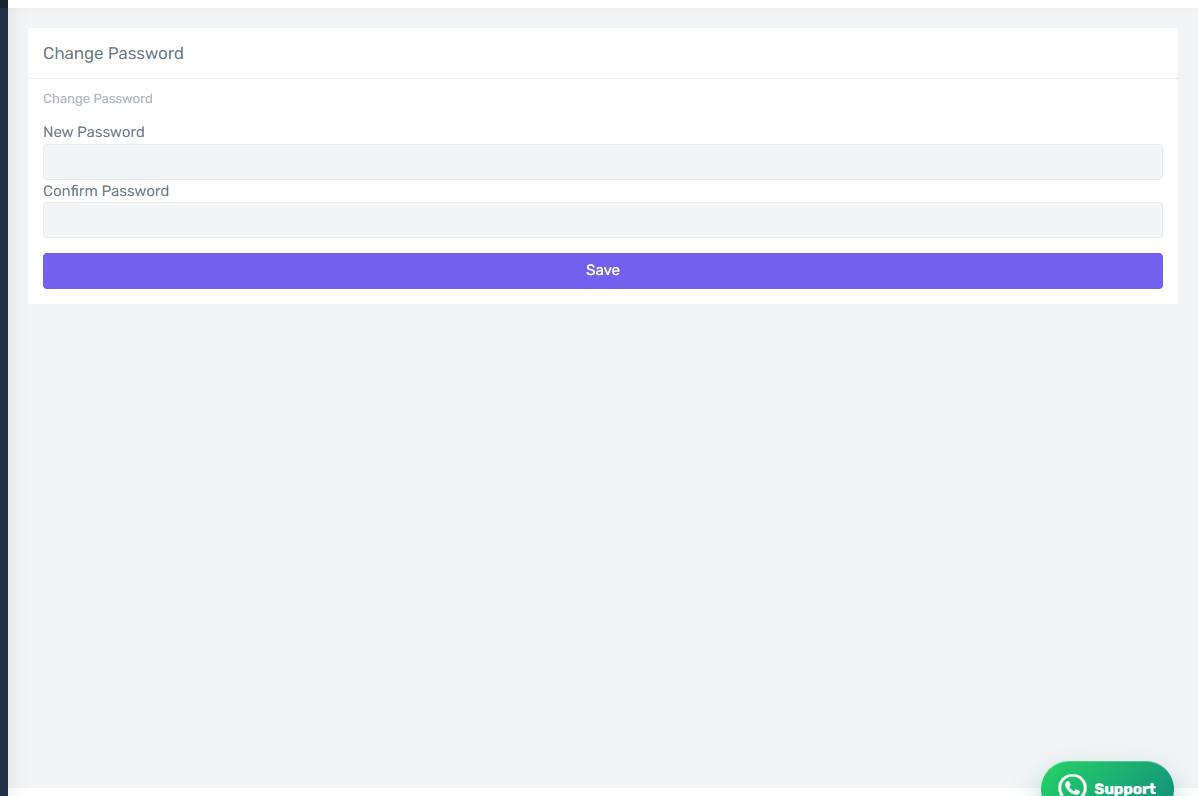
The Change Password screen
How the screen appears in the Integration Dashboard.
What you need
Enter your old password, then the new one twice to confirm, then save.
Forgotten the old one
If you cannot remember the old password, sign in with a one-time code first — see "Signing in".