ZATCA Credit Note Error
Credit notes raised on cancellations or returns that the authority has not accepted.
Odoo 19.3 or later only
This screen appears only when your Odoo version is 19.3 or later. On older versions it is not in the sidebar at all.
Open ZATCA Credit Note Error
The link opens the screen directly in the Integration Dashboard.
The ZATCA Credit Note Error screen
How the screen appears in the Integration Dashboard.
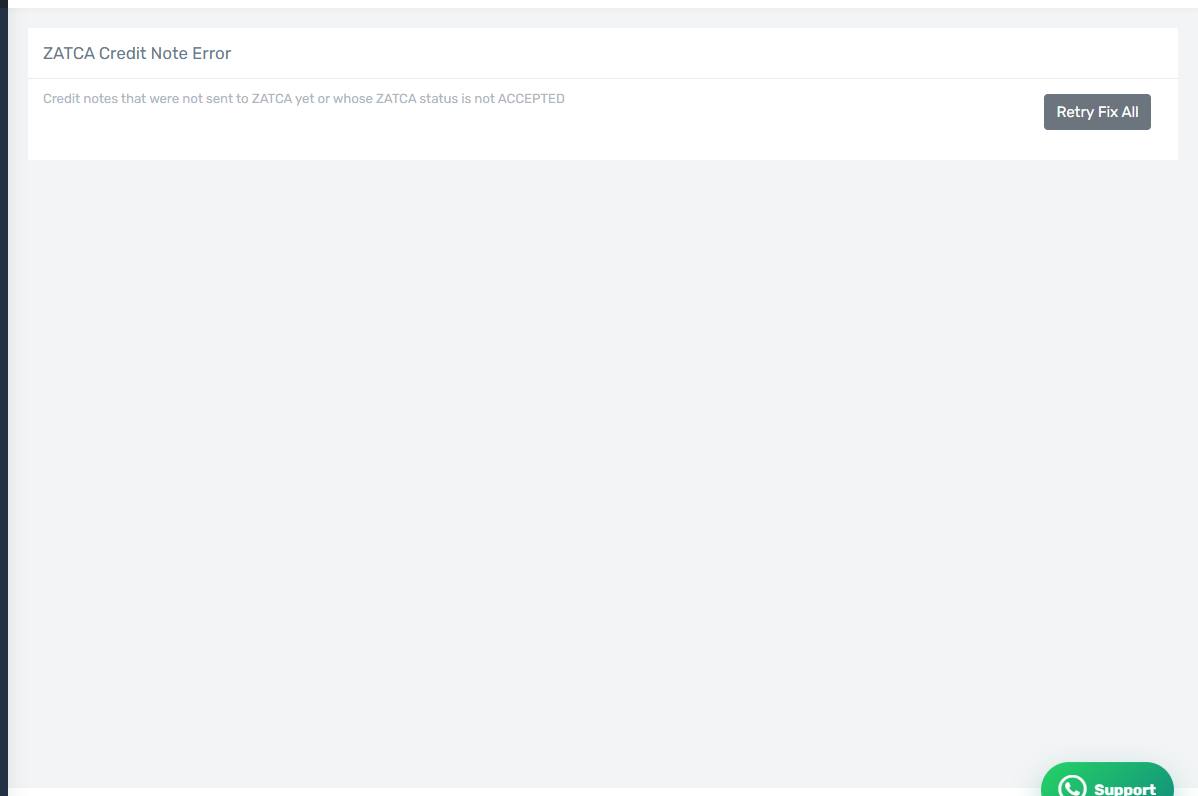
The same screen for a different document
The screen and its buttons are identical to the invoice error screen; the difference is that the rows here are credit notes raised when an order was cancelled or returned, not sales invoices.
A cause specific to credit notes
A large share of credit-note rejections come from an unset tax return reason. Check the ZATCA Reasons list on the Accounting tab and make sure it is configured: the authority requires a valid reason on every credit note.
Resubmitting
As with invoices: Retry for one row, or Retry Fix All after fixing a shared cause.
The original invoice comes first
The authority does not accept a credit note against an invoice it never accepted. If the original invoice is sitting on the invoice error screen, clear that first, then resubmit the credit note.