ZATCA Invoice Error
Invoices not yet submitted or not accepted by the authority, and resubmitting them.
Odoo 19.3 or later only
This screen appears only when your Odoo version is 19.3 or later. On older versions it is not in the sidebar at all.
Open ZATCA Invoice Error
The link opens the screen directly in the Integration Dashboard.
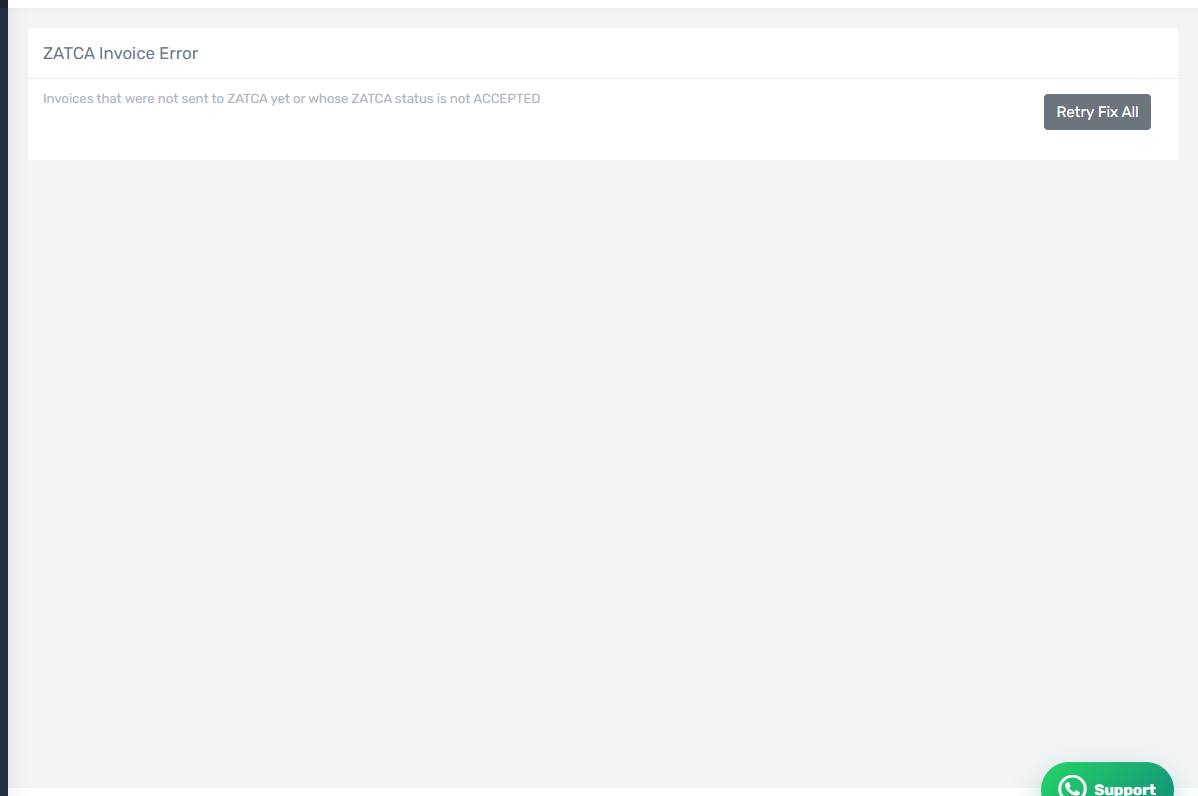
The ZATCA Invoice Error screen
How the screen appears in the Integration Dashboard.
What it lists
Every invoice the connector created whose authority status is not ACCEPTED — including ones never submitted. Each row shows the invoice number, its status, and the authority's error text.
Resubmitting
- Retry on one row — after correcting its data in Odoo.
- Retry Fix All — every row, which is what you want after fixing a shared cause such as incomplete establishment details.
Correct it in Odoo first
Resubmitting sends the same invoice again. If the rejection was about missing data, correct it in Odoo before retrying, or the rejection repeats verbatim.
A full screen with the switch off
If every row shows NOT SUBMITTED, you probably never turned on Automatically Send Invoices to ZATCA. Turn it on in the Accounting tab, then press Retry Fix All.