Signing in to the dashboard
Two ways in: email and password, or a one-time code sent to your email.
Open the sign-in screen
The link opens the screen directly in the Integration Dashboard.
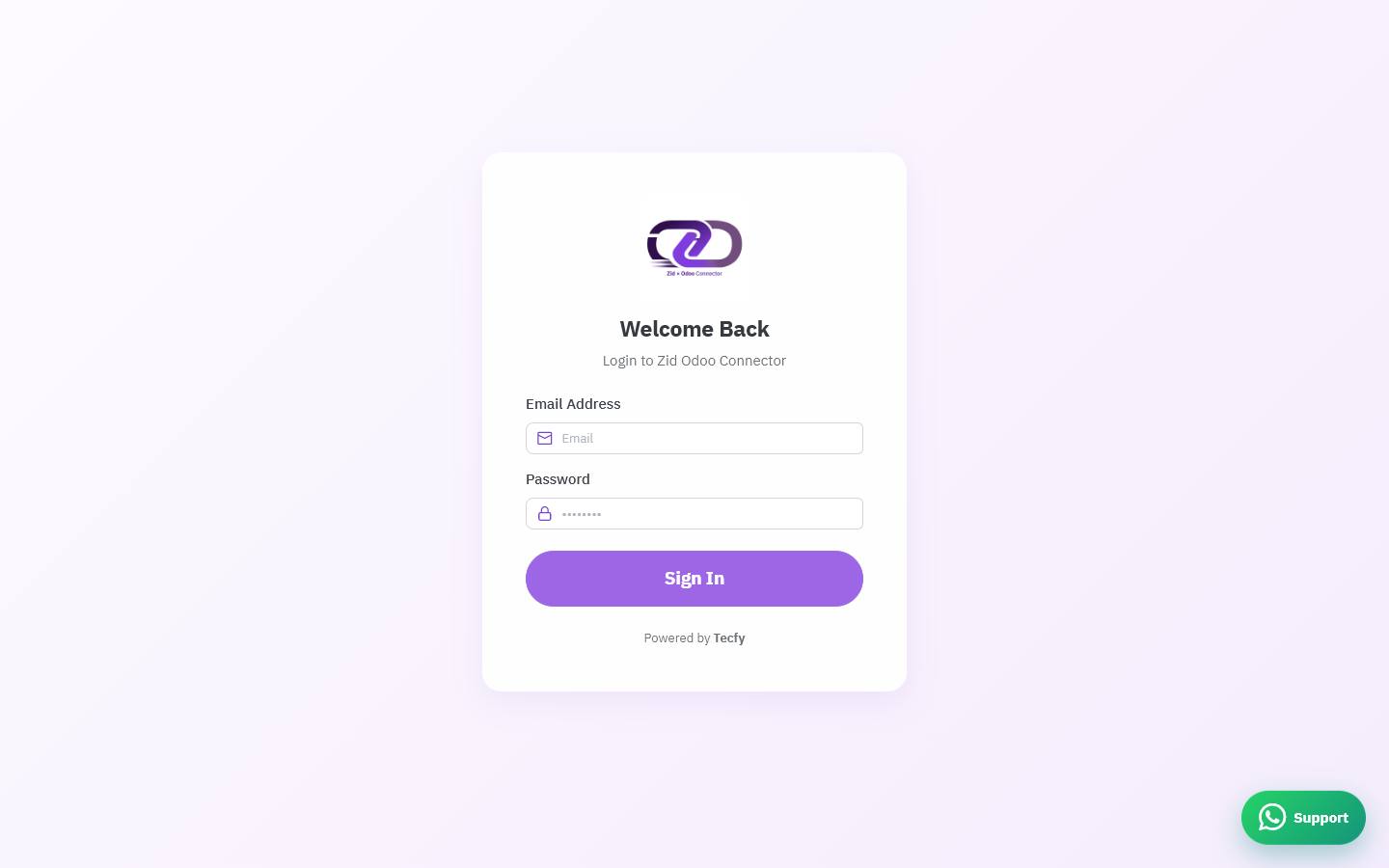
The sign-in screen
How the screen appears in the Integration Dashboard.
Option one: password
Enter the email registered on your Zid account, then the password you chose after installation, and press Sign In.
Option two: a one-time code
Switch to the OTP tab, enter your email, then press Send OTP. A six-digit code arrives by email; type it into the six boxes and press Verify & Login.
Code did not arrive?
Wait a moment then use the Resend button, and check your spam folder. The code is short-lived, so if you were slow, request a new one.
Switching the language
The language button in the header switches between Arabic and English and flips the page direction automatically. Your choice is remembered.