Product Error
Products the connector could not create in Odoo or find a counterpart for. This is the screen that fills up most in the first week.
Open Product Error
The link opens the screen directly in the Integration Dashboard.
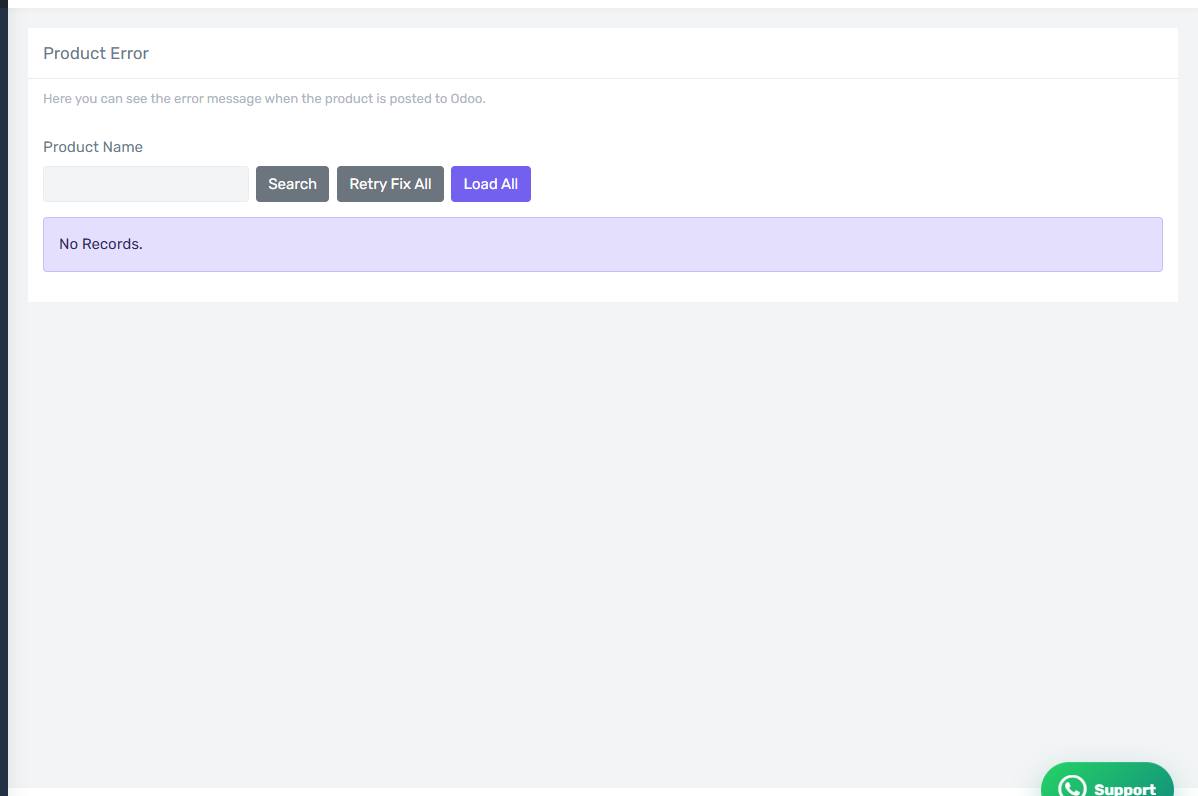
The Product Error screen
How the screen appears in the Integration Dashboard.
What this screen lists
Products the connector could not create in Odoo or find a counterpart for. This is the screen that fills up most in the first week.
Common causes
The first and by far most common cause is that the product is not mapped. Work through the whole "Products and Catalogue" section before anything else.
Other causes:
- One unmapped combination on a multi-option product — the rest are mapped and the order fails on that one alone.
- The item is archived in Odoo so it does not appear in searches.
- The item belongs to a different company from the one you selected.
- A required field when creating the item in Odoo.
How to clear it
Read the Odoo message on the row — it says exactly what is missing. Fix the cause in Odoo or in your settings, then press Retry on the row, or Retry Fix All if the cause is shared across every row.
Check the earlier screen first
If the same order appears on more than one error screen, start with the earliest in the pipeline. Fixing the first step usually clears the ones after it.