Update Sales Order Error
Orders whose lines changed in Salla and whose change the connector could not apply to the Odoo sales order.
It appears conditionally
This screen appears on the advanced plan only. If it is not in your sidebar, your current subscription does not include it.
Open Update Sales Order Error
The link opens the screen directly in the Integration Dashboard.
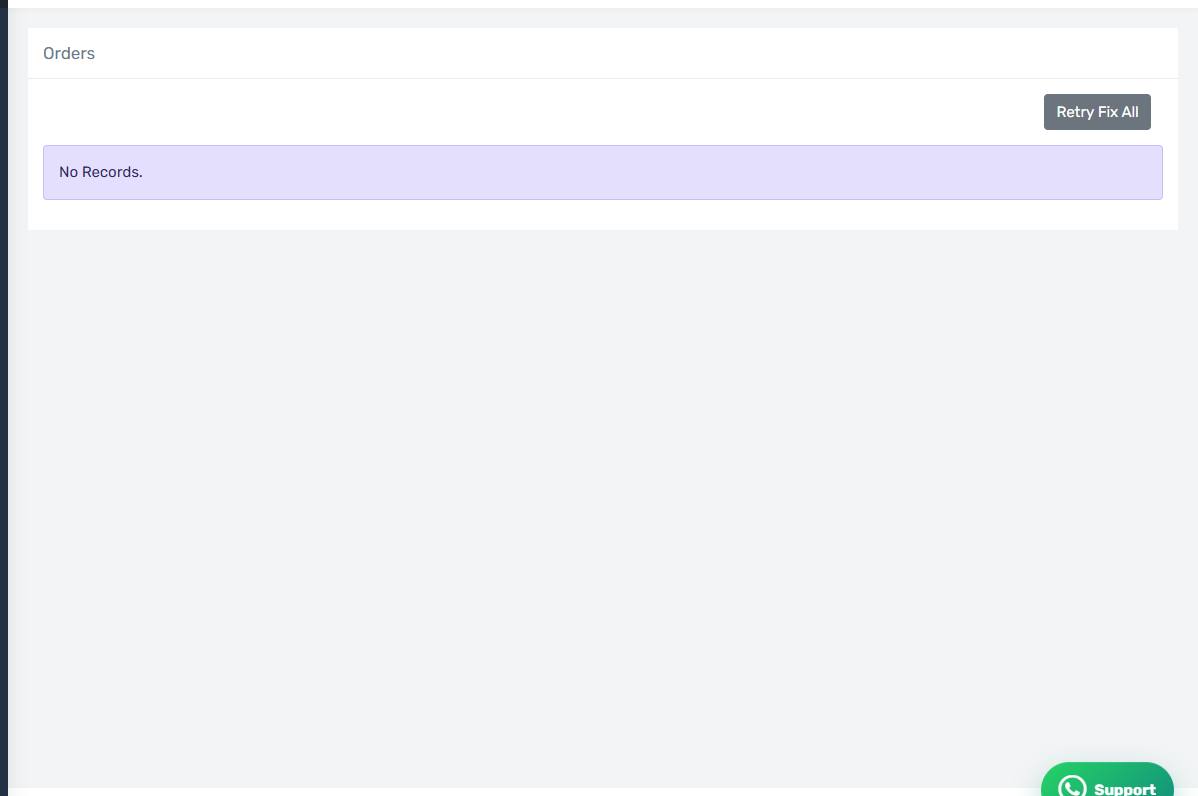
The Update Sales Order Error screen
How the screen appears in the Integration Dashboard.
What this screen lists
Orders whose lines changed in Salla and whose change the connector could not apply to the Odoo sales order.
Common causes
In most cases this is not a fault but a deliberate refusal: the connector will not edit a sales order that has been invoiced or delivered, to protect your accounts and your stock. Read the reason text on the row — it names exactly which condition failed.
See "When an order changes in Salla" for all three conditions and what to do when the change is refused.
How to clear it
Read the Odoo message on the row — it says exactly what is missing. Fix the cause in Odoo or in your settings, then press Retry on the row, or Retry Fix All if the cause is shared across every row.
Check the earlier screen first
If the same order appears on more than one error screen, start with the earliest in the pipeline. Fixing the first step usually clears the ones after it.